The game is real. The app is where it gets murky. Evolution publishes no player app for Ice Fishing, so there is nothing to download from the people who built the wheel. The show runs inside a casino lobby, either in your phone browser or in the casino’s own app. So any file handed to you as the Ice Fishing app is one of two things: a casino app, or a fake. I build for the web, and fakes like these are easy to read once you know where to look.
Real app or fake: three things the name can mean
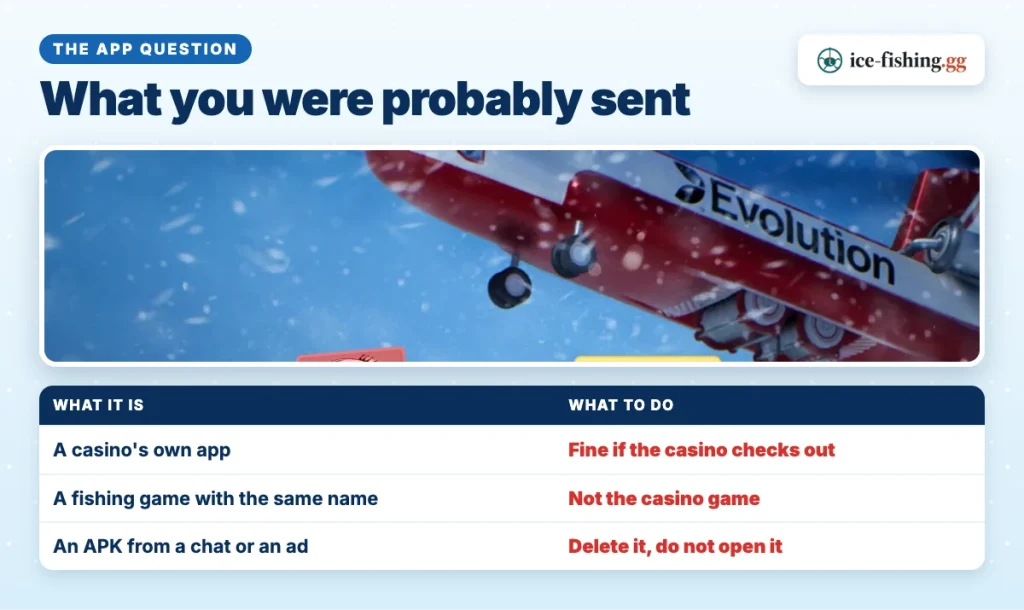
Both answers circulate, which is why the question keeps coming back. The plain split is that the name is attached to three very different things, and only one of them belongs to a real gambling product.
The first is a casino’s own app. Licensed operators that carry the live portfolio often ship an Android or iOS app with their whole lobby inside it, and the game show sits in the live section alongside everything else. That app is real if the casino behind it is real. It is not a game app, and nobody built it for this one title.
The second is an app store listing that happens to share the name. Fishing is a common theme, so stores hold several unrelated titles called Ice Fishing, some of them ordinary fishing games and some of them pushing real-money betting of their own. Matching names prove nothing about who made what.
The third is an APK sent to you directly, typically through a chat group, a comment reply or a paid ad. That is the one to treat as hostile until proven otherwise.
| What you were sent | What it most often is | What to do |
|---|---|---|
| An APK link in Telegram, WhatsApp or a TikTok comment | A package nobody vetted, with no publisher and no update channel | Do not install it; delete the message |
| A store listing named Ice Fishing | An unrelated fishing game, or a different operator’s betting app | Check who published it; it is not the live show |
| A casino’s own app from the casino’s own pages or an official store | Real if that casino is licensed and the licence checks out | Confirm the licence number on the regulator’s register first |
| An ad for a verified or official app, with a celebrity attached | A funnel built to get the file onto your phone | Report the ad and install nothing |
One version of that last row ran hard across social media in Nepal, where boosted ads spliced in clips of the businessman Binod Chaudhary to suggest he backed an official Ice Fishing app, which he never did. A file described as the latest version carries no weight either: a version number is just a string whoever packaged the file typed into it.
To trace how these campaigns fit together, the wider scam map shows the same tricks appearing as links, agents and prediction groups.
What a fake Ice Fishing Evolution APK asks your phone for
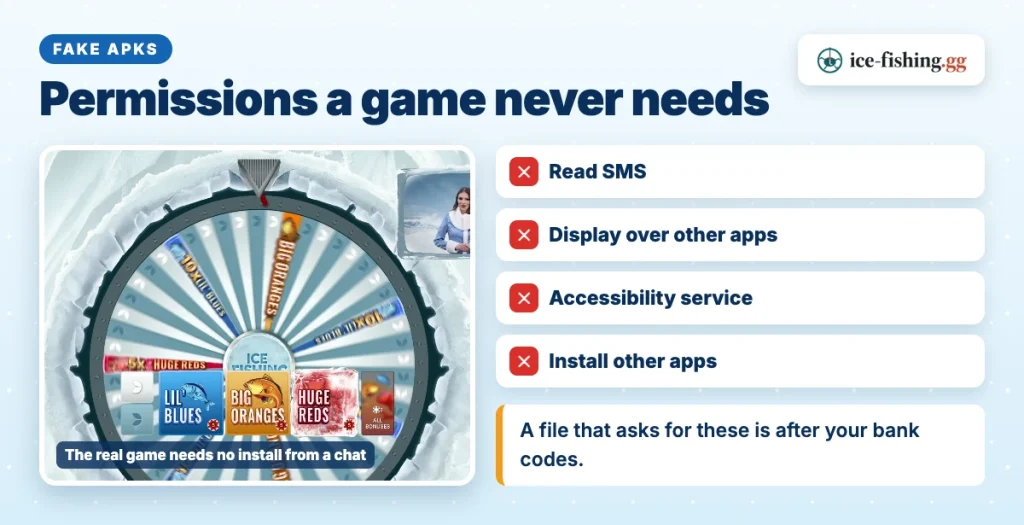
Open one of these packages as a developer and the icon stops mattering. The permission list is the product description. Four requests come up again and again in the malicious Android apps that banks and police forces across South and Southeast Asia have warned about, and each one maps to a specific way of taking money.
Read SMS. Your bank sends one-time codes by text. An app that can read your inbox can read those codes and use them before you see the message, or delete it afterwards.
Display over other apps. This draws a fake screen on top of a real one. You think you are typing your PIN into your banking app; you are typing it into a layer painted over the top of it.
Accessibility service. Built for people who need the phone to read and tap for them, which is exactly why it is abused. Granted to the wrong app, it can see what is on screen and tap buttons on your behalf, including a transfer confirmation.
Install unknown apps. A package that can install other packages is a doorway, not a destination. Whatever arrives next never has to ask you anything.
Davis’s note
When I open a file like this, the permission list tells me more than the icon ever will. A game has no reason to read your text messages.
A real casino app asks for very little by comparison, because the gambling happens on their servers and the stream arrives as video. There is no feature in a wheel game that needs your inbox.
App download: the safe way to play on a phone
The simplest route carries the least risk, and it involves no download at all. Open the licensed casino in your mobile browser, sign in, and go to its live game shows. The stream loads in the browser, the bet row sits under the wheel, and the in-game help panel is right there with the Rules and Payouts that apply at that casino. Nothing gets installed and nothing asks for permissions.
If you prefer an app, take it only from the casino’s own pages or from an official store listing that names that casino as the publisher. That is what an Ice Fishing casino app is in practice: the operator’s lobby, with the game inside it.
Never install a file from a chat group, a comment thread, a shortened link or an ad, however many screenshots of winnings come attached. In general, Android will warn you before installing from an unknown source, and that warning is the whole security model of your phone trying to help you. Listen to it.
Ice Fishing Evolution login
There is no player login with the studio that builds the game. It sells to licensed operators, and it holds no account, balance or password for you. You log in to the casino, then open the show in its lobby, and the money sits in the casino cashier the whole time.
So a login screen that appears before any casino name does, asking for a phone number and a code, is not part of the game. A cloned casino page works the same way: it copies a real lobby closely enough to collect a username and password, then uses them on the real one.
If you already installed one
Move in order, and start by cutting the phone off from the network so nothing can be sent while you work.
- Turn on airplane mode. This stops the app talking to anyone, including any second payload it was about to pull down.
- Uninstall it. If the uninstall option is greyed out, the app took device administrator rights; revoke those in your security settings first, then remove it.
- Change your passwords from another device. Banking, email, and any wallet apps. Do it from a laptop or a second phone, not the compromised one.
- Call your bank. Ask them to watch the account, flag recent transfers and block the card if anything looks wrong. Say an app with SMS access was installed; they know this pattern.
- Scan and consider a reset. Run the phone’s built-in security scan. If warnings keep returning, back up photos only and factory reset the device.
Do this even if no money has gone yet. Packages built around SMS access are often patient, and the quiet period is part of the design.
Nothing needs installing to play. A licensed casino lobby loads the wheel, the bet row and the in-game help panel in your phone browser.
FAQ
Is there an official Ice Fishing app?
No. Evolution builds the game for licensed casinos and publishes nothing for players to install. The show runs inside a casino lobby, in a mobile browser or in the casino’s own app. Any file presented as the game’s own app is a casino app or a fake.
Is an Ice Fishing APK safe to install?
A file passed around in a chat, a comment thread or an ad has no publisher you can check and no update channel. Malicious packages of this kind ask to read SMS, draw over other apps or run an accessibility service, which is how one-time bank codes get taken. Treat an unsolicited APK as unsafe.
How do I log in to play the game?
You log in to your casino account, not to the studio. Open the casino in your browser or its app, sign in, then open the live game show section and pick the table. There is no separate player account with the game’s developer, so a login page that asks only for a phone number and a code is not part of the game.
Can I play on my phone without installing anything?
Yes. A mobile browser is enough. A licensed casino’s lobby loads the live stream in the browser, and once you are signed in you can even watch a few rounds without placing a bet to see the wheel and the bet row for yourself.
What should I do if I already installed a fake APK?
Cut the phone off the network with airplane mode, remove any device administrator rights the app took, then uninstall it. Change your banking, email and wallet passwords from a different device, tell your bank to watch the account, and run the phone’s built-in security scan. A factory reset is the clean option if anything reappears.